Works on Android and iPhone
Get Farmdwar on your phone
No app store and no big download. Farmdwar opens in your phone's browser and installs to your home screen like an app.
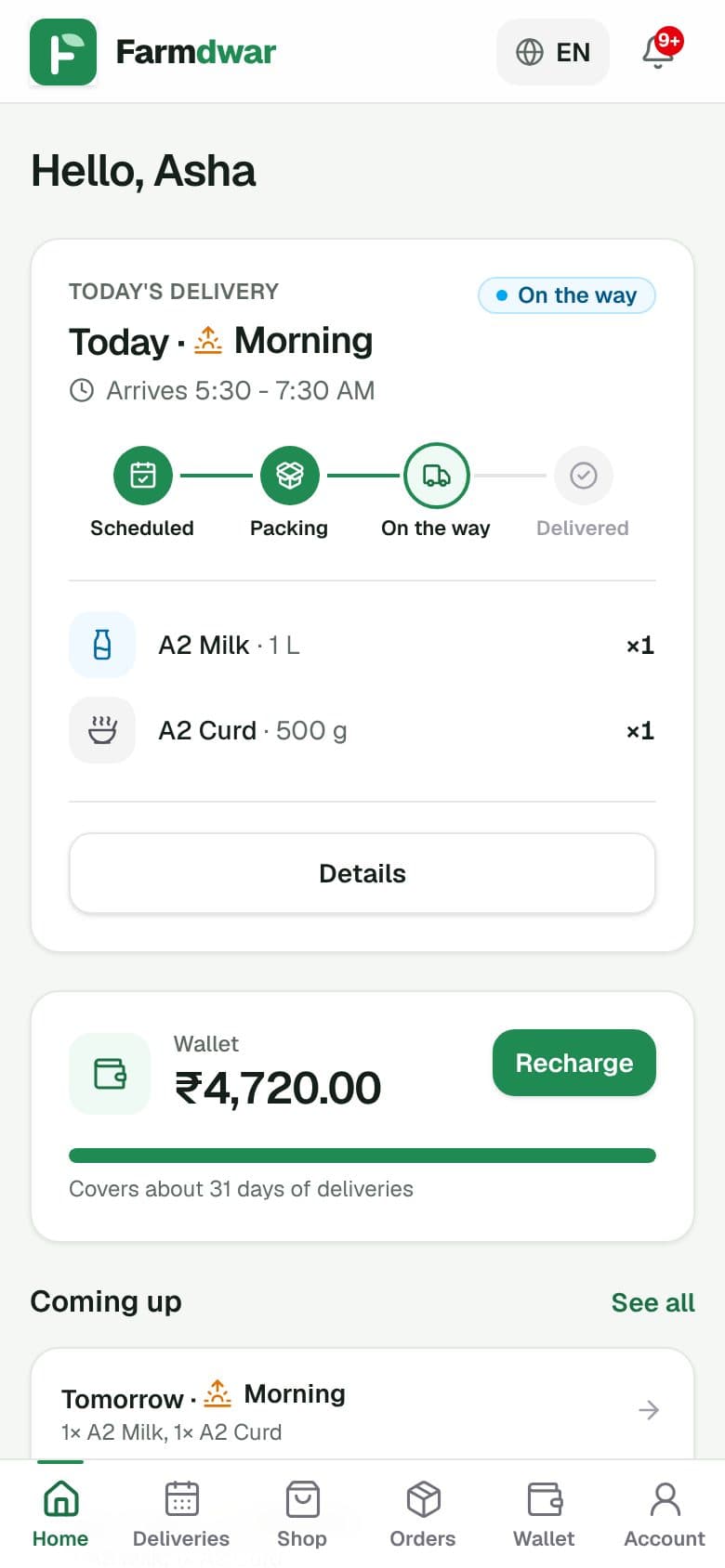
Add it to your home screen
Open Farmdwar in Chrome.
Tap the menu (three dots) at the top right.
Tap "Install app" or "Add to Home screen".
Tap Install. The Farmdwar icon appears with your other apps.
Why there is no app store
Nothing heavy to download
It is a small web app, so it uses very little storage and data.
Always up to date
You always get the latest version. There are no updates to install.
Works on any phone
Android, iPhone, tablet or computer, with the same account.
Common questions
Is it safe?
Yes. You sign in with a one-time code sent to your phone, and your connection is encrypted.
Will it use a lot of data?
No. The pages are light, and much of the app is saved on your phone after the first visit.
I don't have my dairy's link.
Ask your dairy to send its join link or QR code on WhatsApp. If you don't have a dairy yet, you can start one.
Can I use my own language?
Yes. Tap the language button at the top and choose Hindi, Kannada, Gujarati or Telugu.